trickle.
charging wattage in the menu bar
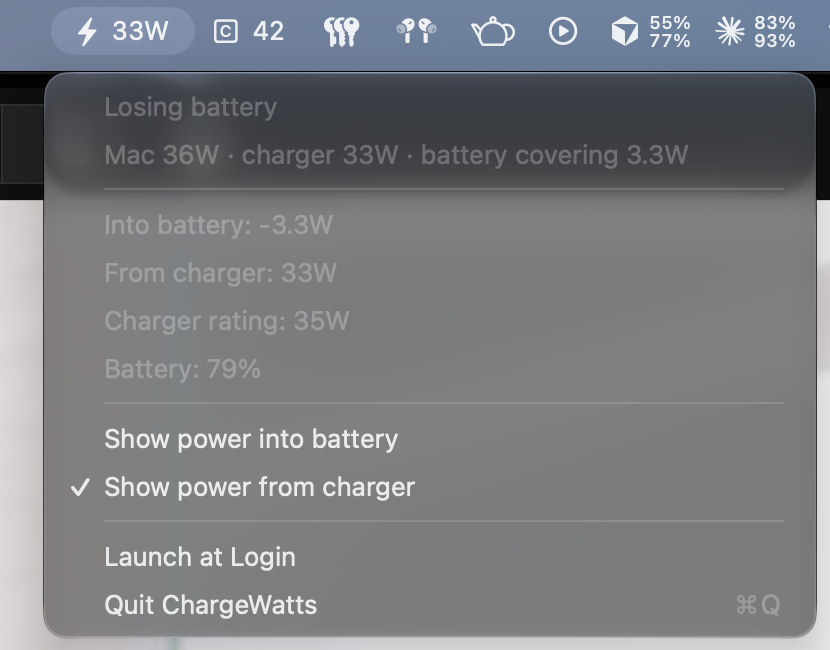
Trickle shows the wattage your MacBook is charging at, live in the menu bar. It tells you when the charger is not keeping up, and it hides when the Mac is not charging.
Click it to see how the power splits between the Mac, the charger and the battery. There is no settings window, no Dock icon and no network access.
install
brew install ndre-dev/tap/trickleHomebrew installs the app and lets it open straight away. You can also download the latest release or build it from source.
needs
macOS 12 Monterey or later. The charger and Mac figures need Apple Silicon.